dct serve
Start the local dashboard server. Renders your dashboards in the browser; board file paths map to URLs (charts/sales.yml → /sales/). Query parameters become variables.
How it finds your project
dct serve auto-discovers the project root by walking up from the current directory looking for dbt_charts.yml or dbt_project.yml. When a dbt project is found, the SQL dialect is inferred from the active profile target.
How it picks a port
Resolution order:
--portflagDCT_PORTenv varserver.portindbt_charts.yml- Deterministic hash of the project directory
If the chosen port is occupied, the next available port is used automatically.
Server config
Serve-only project settings live under server: in dbt_charts.yml.
server:
  port: 3000
  nav: true
  debug: true
Set server.nav: false to hide the dbt Charts nav bar. Set server.debug: false
to disable Starlette's debug pages.
Options
| Flag | Description |
|---|---|
--port INT |
Port number. Auto-resolved if not set. |
--host TEXT |
Host address. Default: localhost. |
--project-dir PATH |
Project directory for resolving board file paths. |
--dialect TEXT |
SQL dialect (auto-detected from dbt, or duckdb). |
--target TEXT |
dbt target name. Default: DBT_TARGET env, then profile default. |
--max-workers INT |
Maximum parallel query workers per render (default: 8, from config). Also settable via DCT_MAX_WORKERS. Effective only for external warehouse executors; DuckDB serializes access internally regardless of this setting. |
--no-cache |
Skip the query-result cache entirely (every request re-runs queries). |
--cache PATH |
Keep the query cache in this DuckDB file (created if absent). Default: a per-user file shared by every project. Also settable via DCT_CACHE_PATH. Mutually exclusive with --no-cache. |
Examples
# Start with auto-detected project + port
dct serve

# Pin a port
dct serve --port 3000

# Bind on all interfaces, such as in Docker
dct serve --host 0.0.0.0

# Use the `prod` dbt target
dct serve --target prod

# Keep the query cache in a file of your choosing
dct serve --cache cache.duckdb
Caching
Query results are cached on disk by default, in the same per-user file dct render uses. Results survive a server restart, and a board already rendered from the command line opens without re-running its queries. Two dct serve processes can run side by side and share that cache.
To keep the cache in another file, pass --cache <path>:
The file is created automatically if it doesn't exist yet. --cache also reads from the DCT_CACHE_PATH environment variable, and a project can set the same location once in dbt_charts.yml:
cache:
  ttl: 24h
  path: .dct/cache.duckdb
The flag beats the environment variable, which beats the project config; with none of them set, the per-user file is used. Several servers and renders can share any of these files; see Several processes at once. Pass --no-cache to skip the cache entirely. --cache and --no-cache are mutually exclusive.
URL routing
| Path | Renders |
|---|---|
/ |
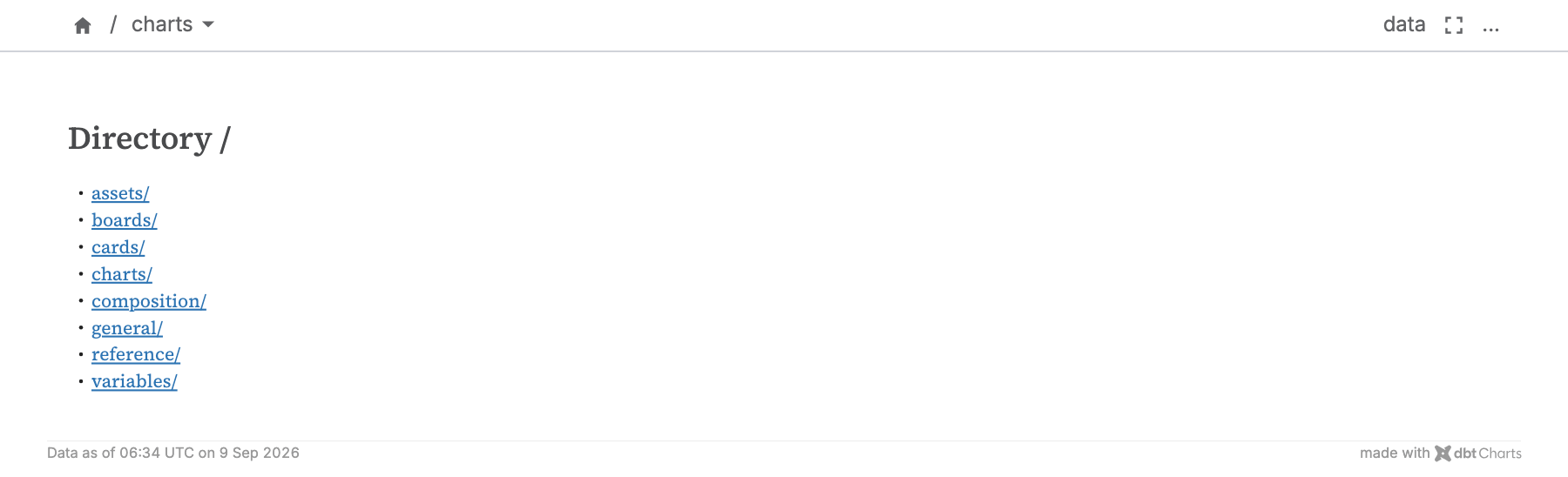
charts/index.yml if present, otherwise a listing of available boards |
/<board-name>/ |
The board at charts/<board-name>.yml |
/<folder>/ |
charts/<folder>/index.yml if present, otherwise a listing of the folder |
/<board-name>/?region=West |
Same board with region variable set |
When to use what
| If you want… | Use |
|---|---|
| Live, interactive previews while editing YAML | dct serve |
| Static export (SVG, HTML, PNG, PDF) | dct render |
| Interactive YAML editor + AI Copilot | dct playground |
Stopping the server
Press CTRL+C in the terminal.
Related
dct render: static exportdct playground: interactive editor